ClapForMe - User Guide
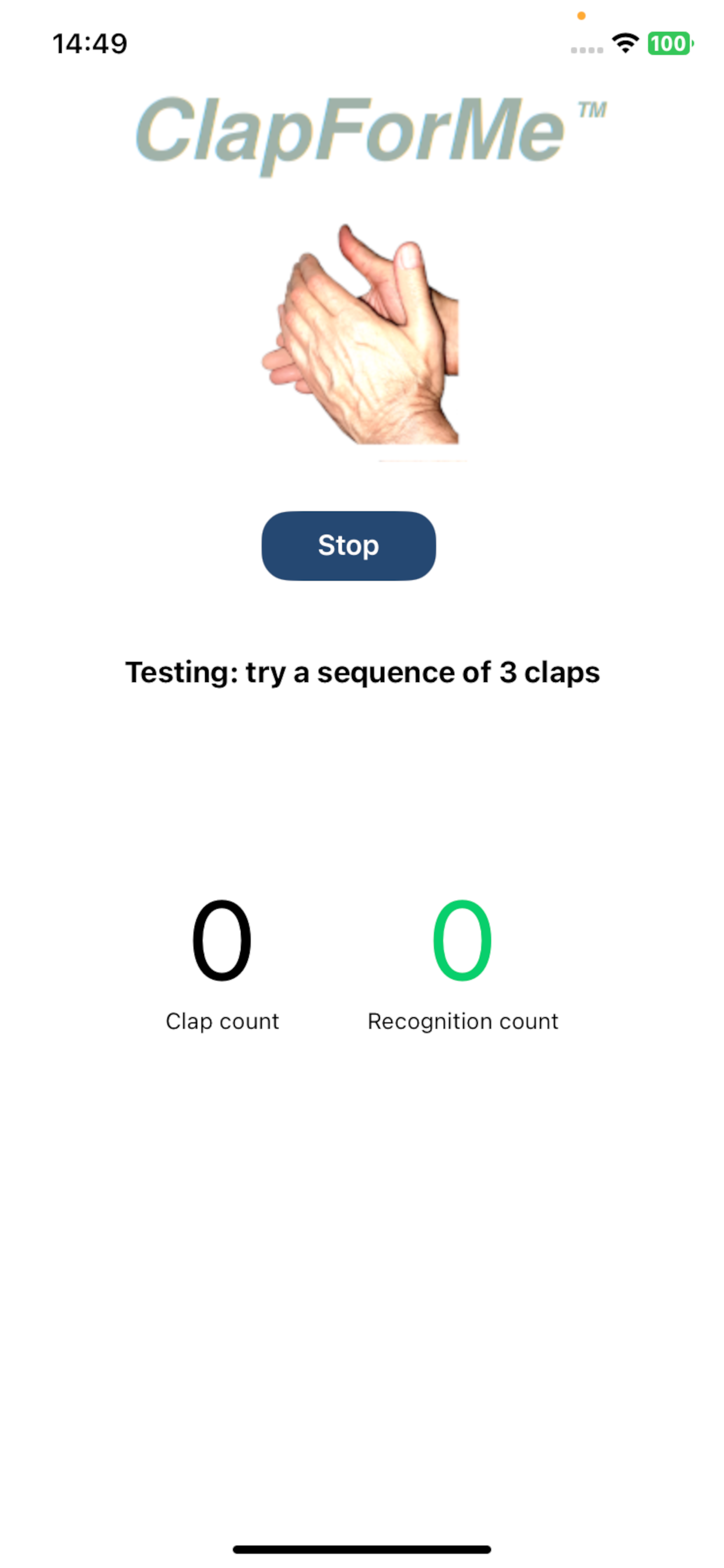
The initial view, that is essentially the only one view, shows a 'Start' button useful to launch an operative session of the clap recognizer.
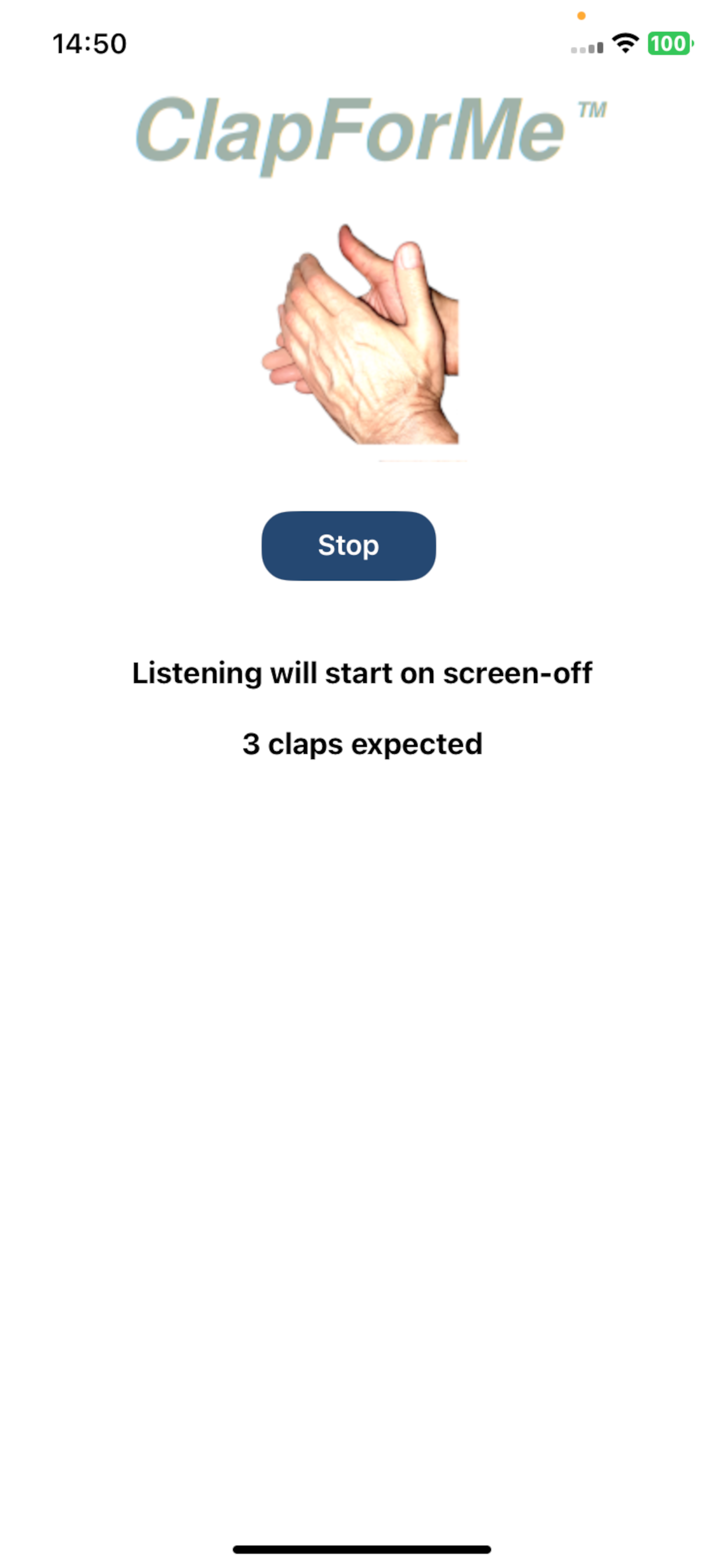
If you leave the 'Test' switch unset, the session will effectively start when you turn the screen off, as the reminding text of the page says, after the 'Start' button has been touched.
Once the screen is off you can leave the smartphone unattended and can go to another room to try making a sequence of clap (3 claps is the default) and wait for a sound emitted by your smartphone.
The success of the recognition depends on many factors the most critical of them is the background noise that is assumed to be very low.
Once the device is handled again, the session can be stopped with the 'Stop' button
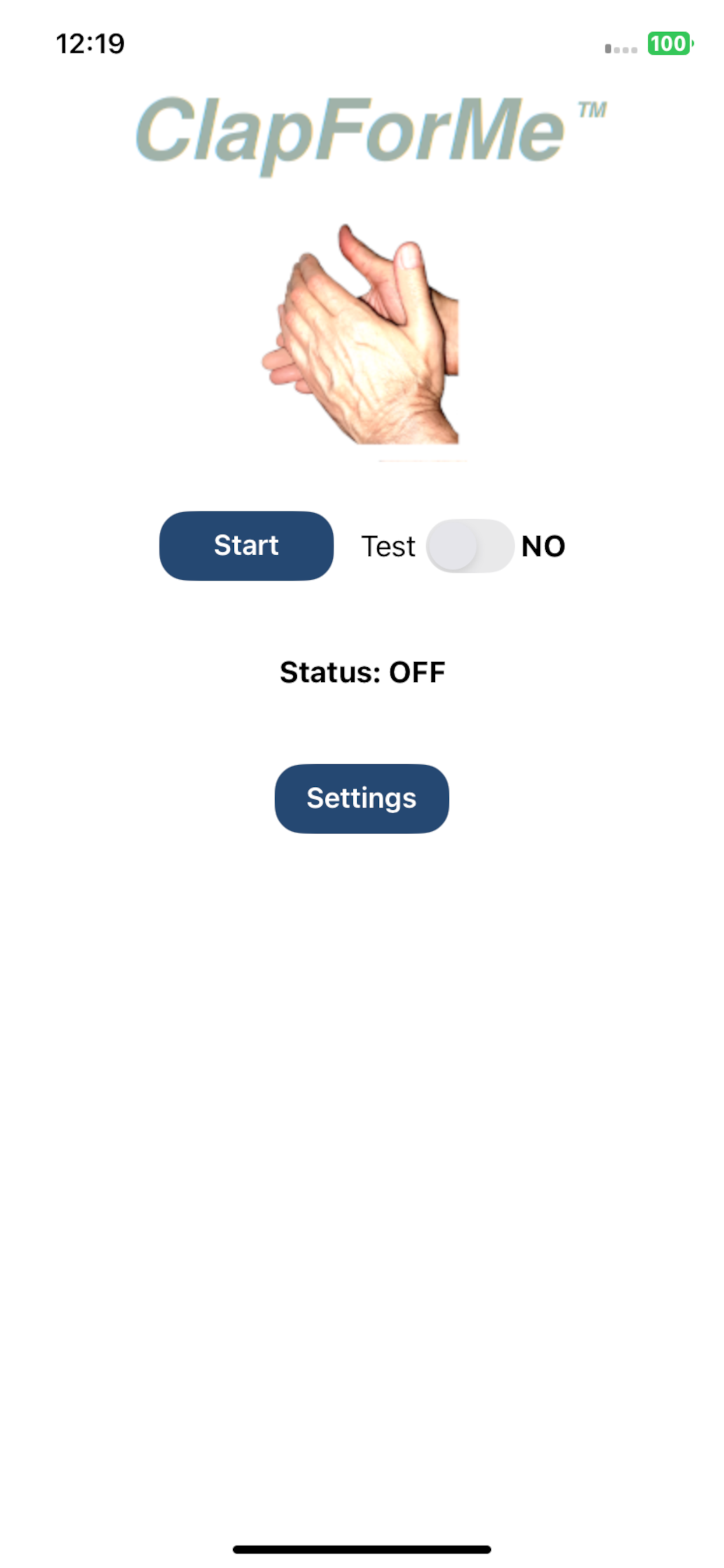
If you want to explore the response of the clap recognizer, staying close to the smartphone, you can first set the 'Test' switch (and, only then, touch the the 'Start' button.
In this case you will get advices about how to improve the 'quality' of your clap sequence.
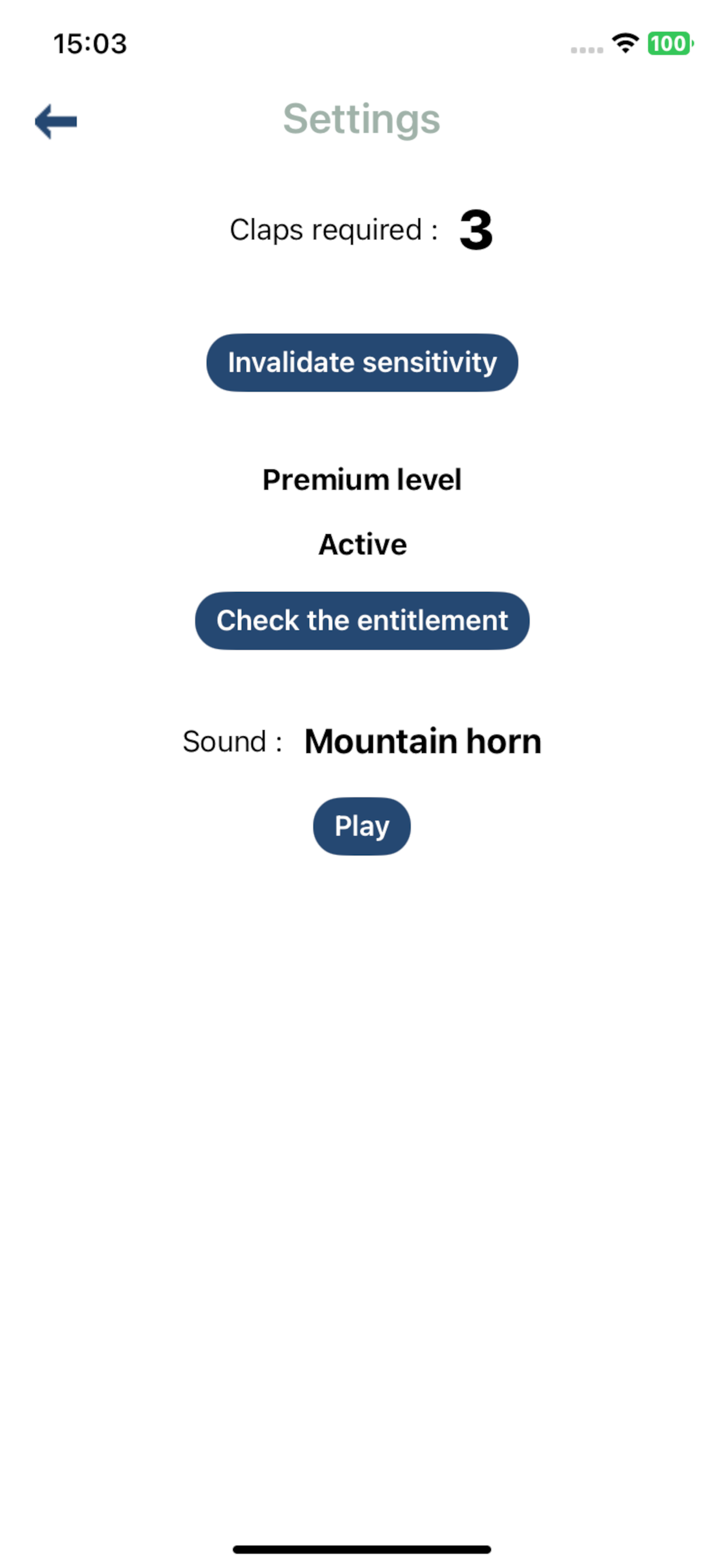
In the settings view, reachable by means of the 'Settings' command, you can either set the quantity of claps that forms the expected sequence or look for the 'Premium' level.
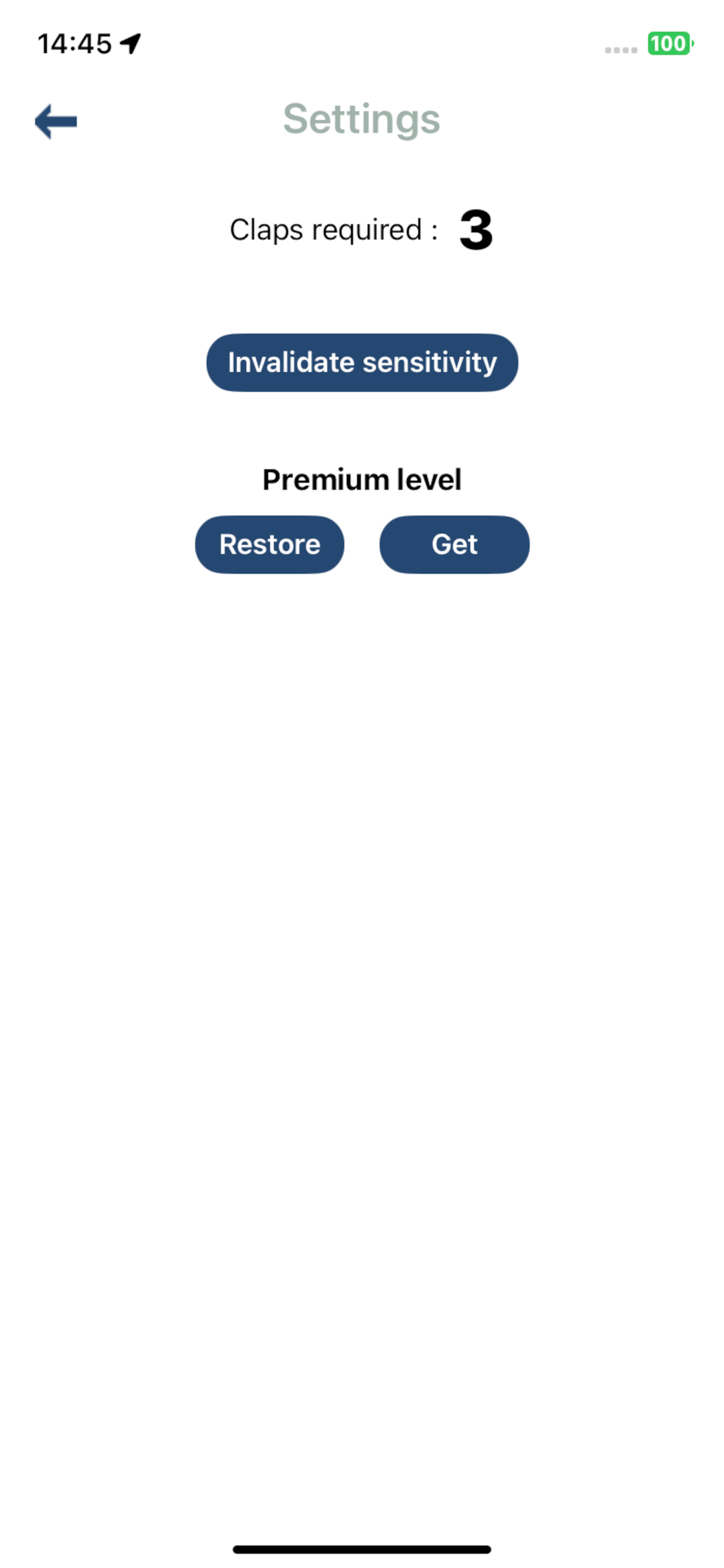
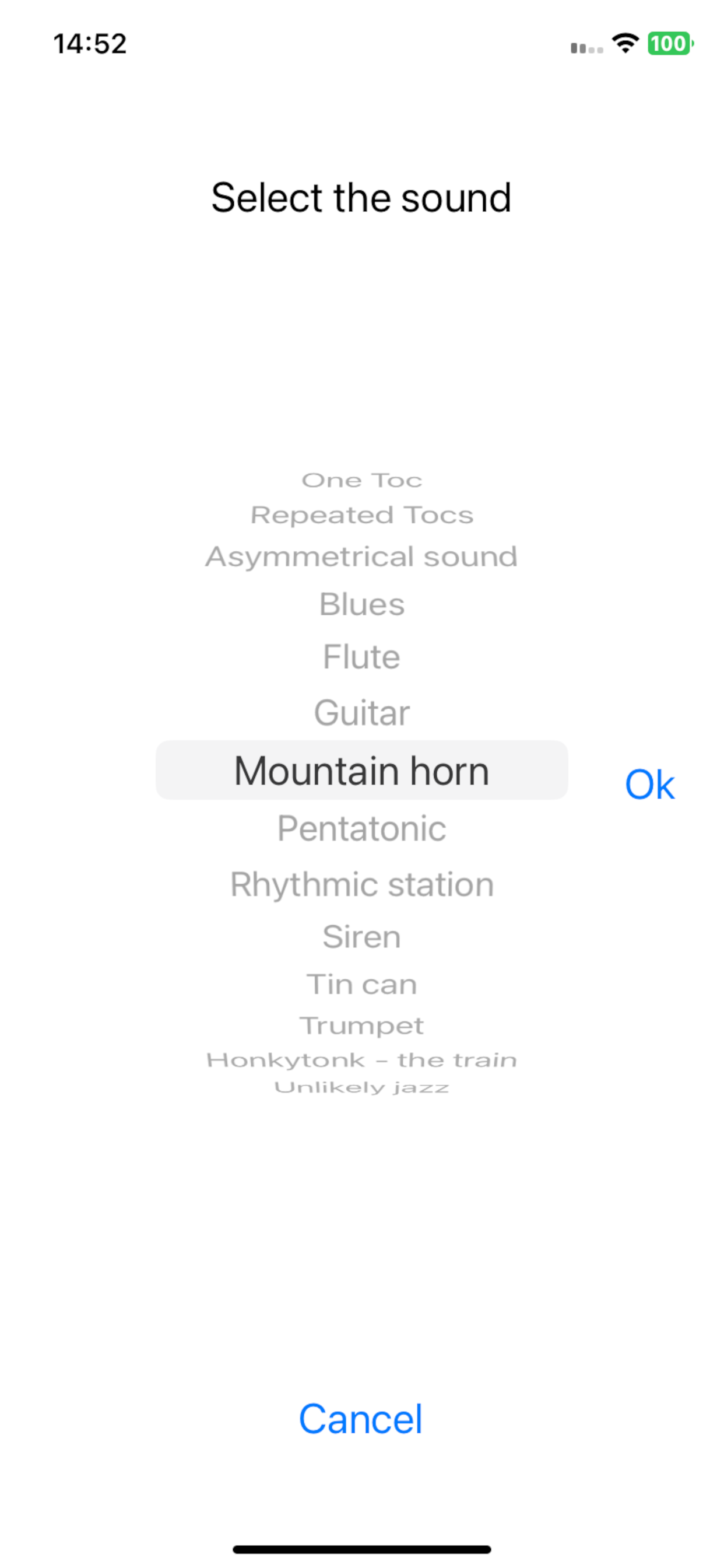
The premium level gives you the availability of a set of predefined continuous sounds, where to choose that one the app will use to respond to your claps.